

Transactions: every sum of money in and out
A list of cash in and out, by date.
Transactions lists every ringgit in and out for your organisation, on the day it moves. It reads from the same ledger as Books, so the totals always match.
The pictures and video use example data, not a real business.
Watch: the video guide
Illustrated walkthrough
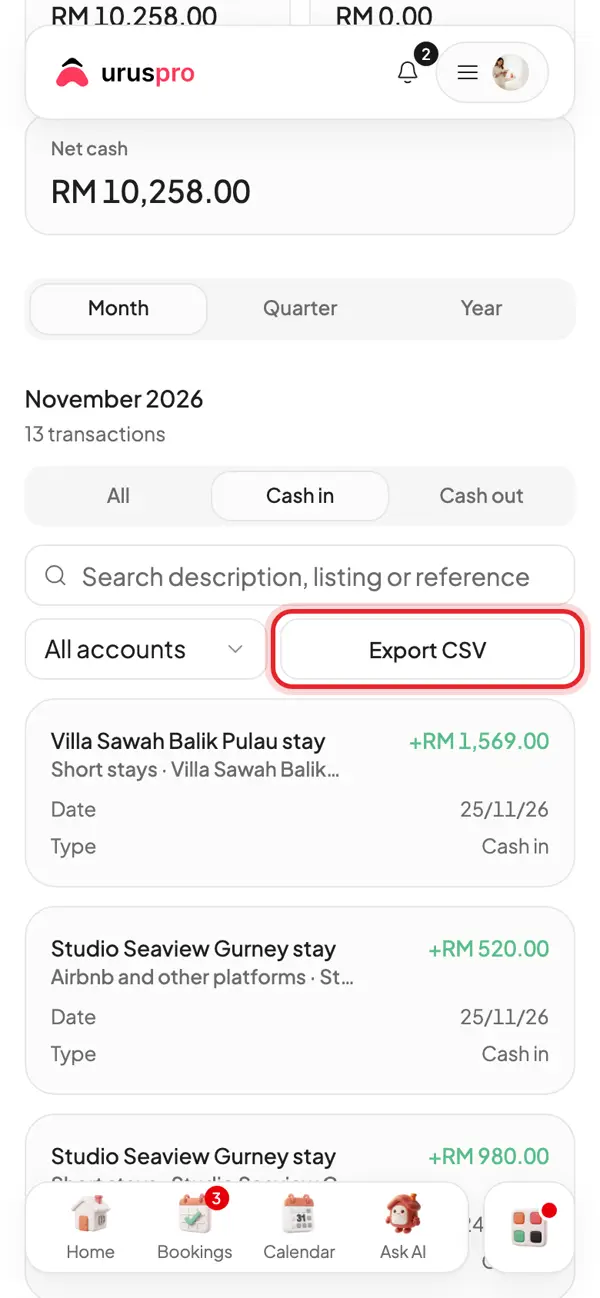
Open Transactions. Every ringgit in and out, by the date it moved.
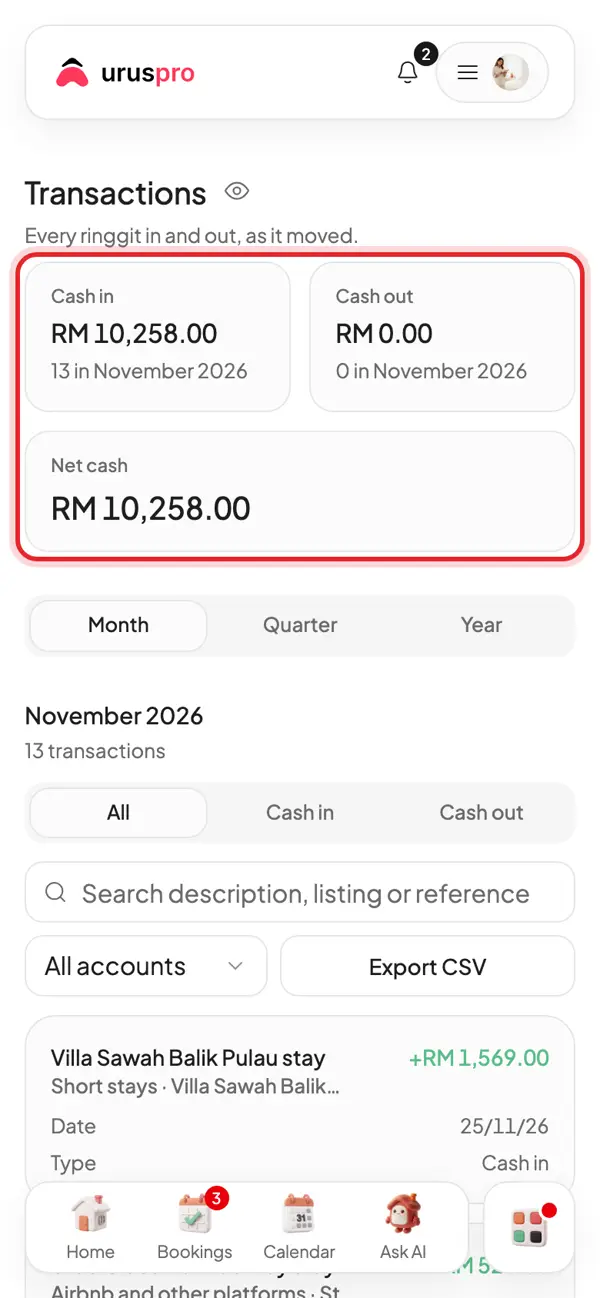
Tap Cash in or Cash out to see one direction only.
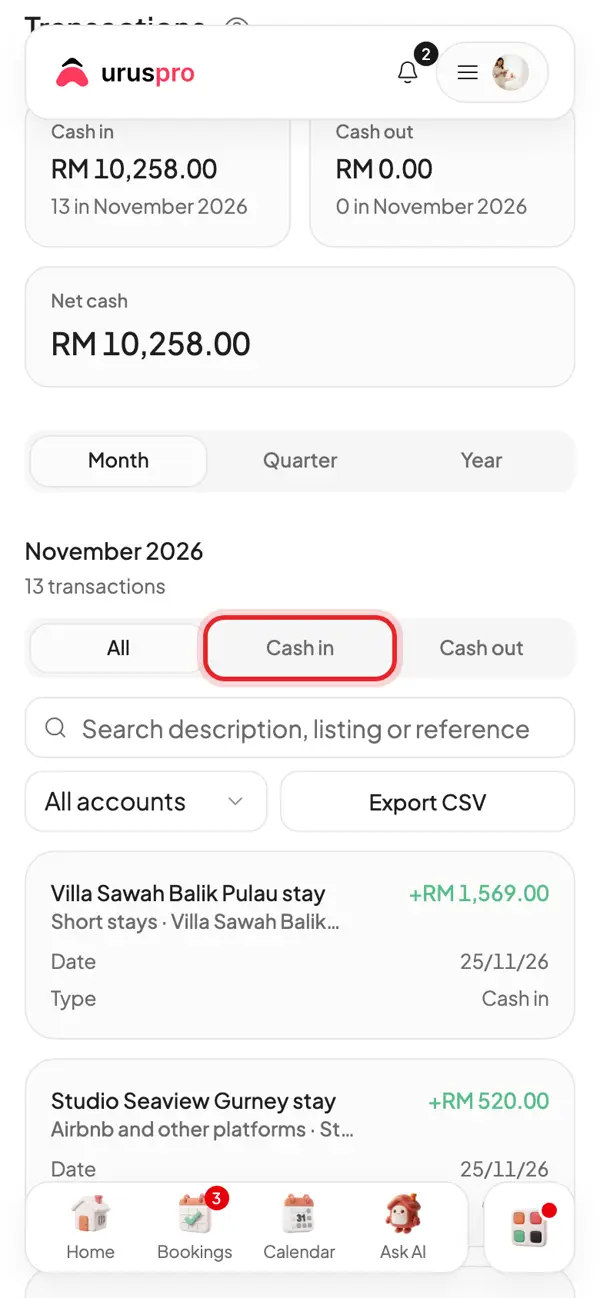
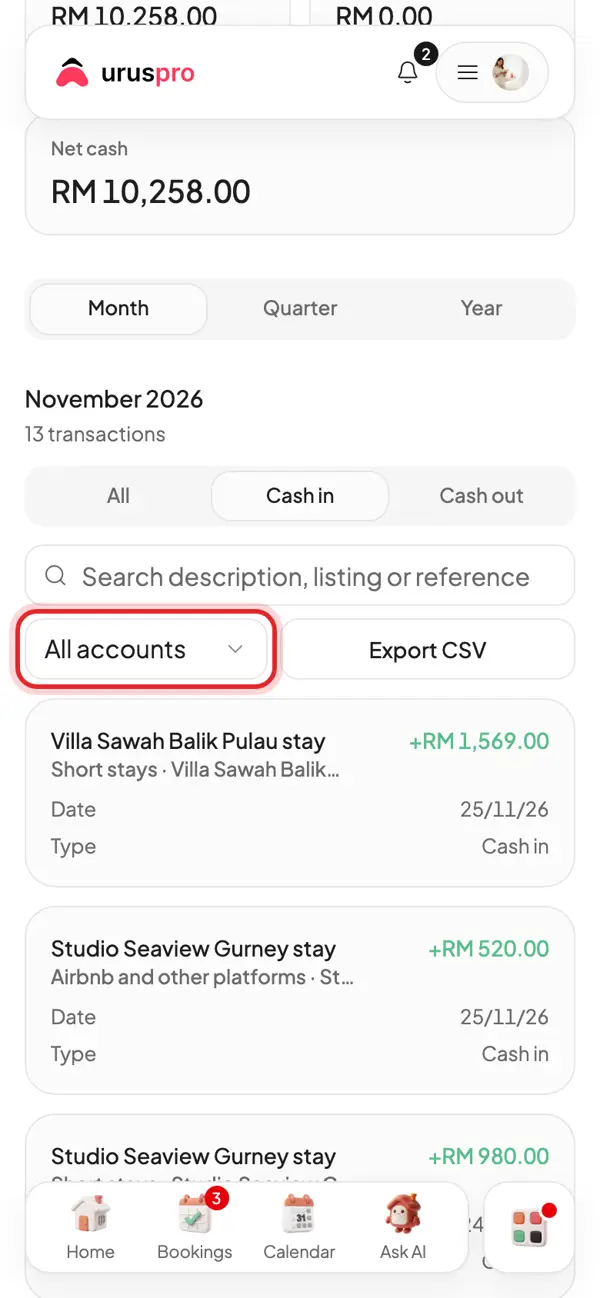
Search by listing or guest, or filter by account.
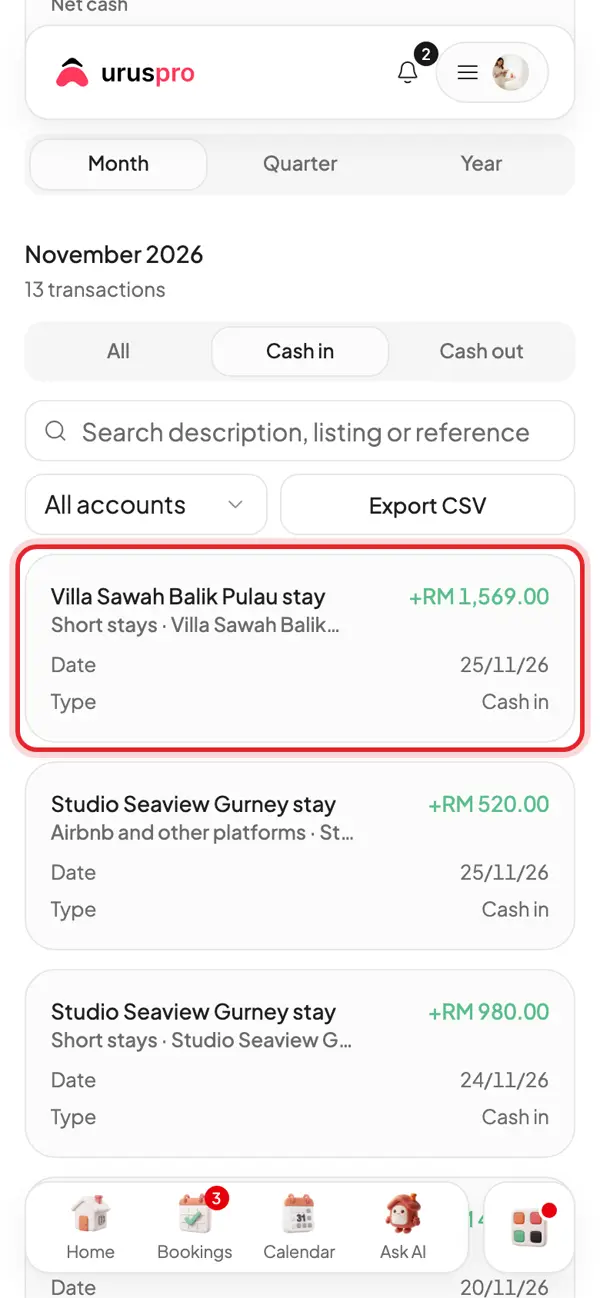
Each row shows where the money came from, which listing, the date and the amount.
For your accountant or LHDN, tap Export CSV and open it in Excel.
How are Transactions different from Books?
Books calculates profit and loss. Transactions shows cash flow, so a deposit received counts as cash in and a deposit returned as cash out.
How do I find a transaction?
- Choose a period: month, quarter or year
- Choose cash in or cash out
- Filter by account, or search the description, listing or reference
Can I send it to my accountant?
Yes. Press Export CSV to download the transactions currently filtered.